R & E Tinkerbells Little Boutique
Yoton Y3 Mini Projector, 317g Ultra-Portable, 360° Rotating, Auto Keystone
Yoton Y3 Mini Projector, 317g Ultra-Portable, 360° Rotating, Auto Keystone
Couldn't load pickup availability
Yoton - Welcome to Your Own Cinema!

2026 Yoton Y3 Mini Projector
How does this differ from the old Y3 projector?
- Added 360° rotating mount
- Supports ceiling projection
- Added auto keystone correction
- Smaller size
Recommended Uses for Y3 Mini
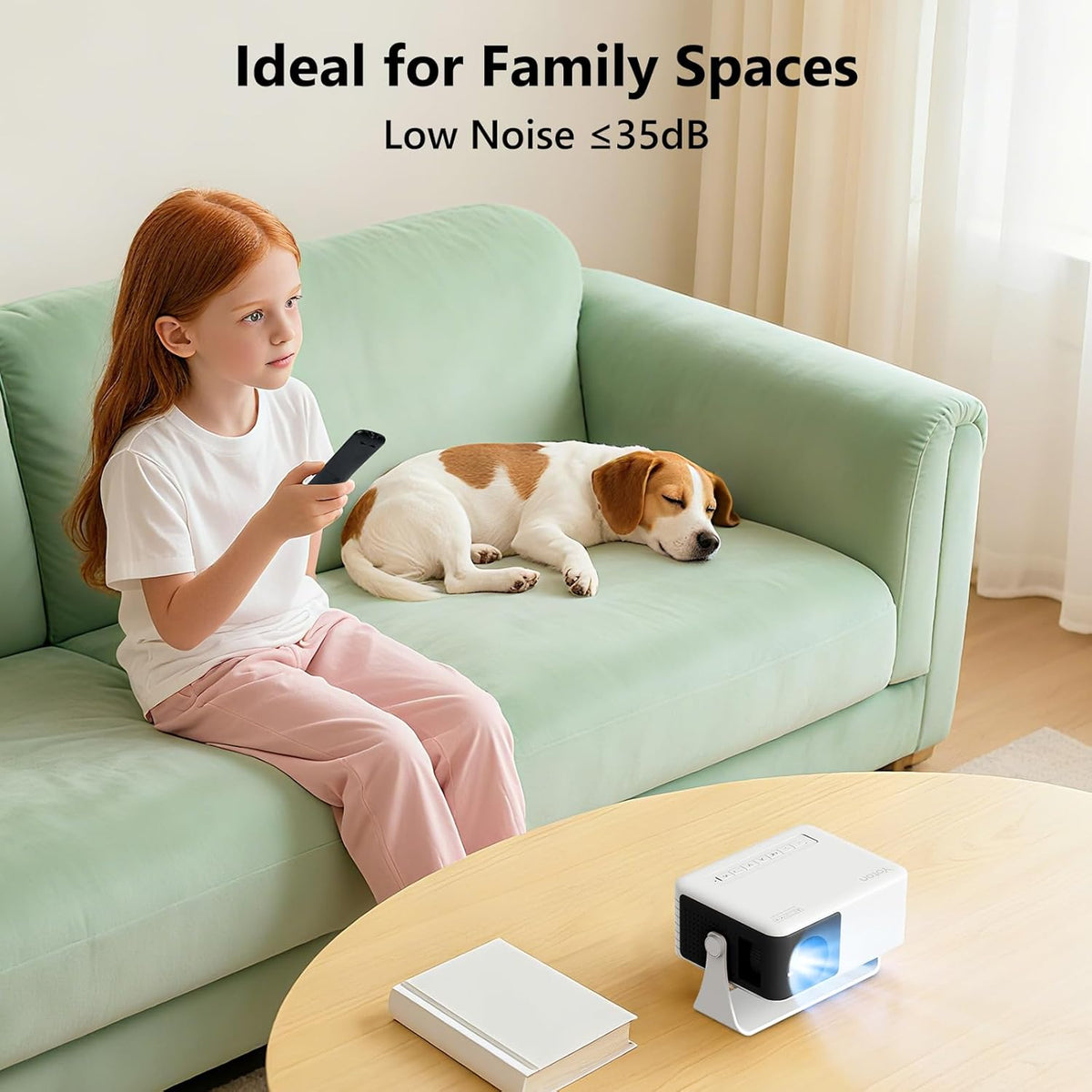
- Home Cinema in the Bedroom
- Gifts for Children or Friends
Yoton After-sales Service
- Response within 24 hours
- Two-year Warranty
- Free projection screen provided
Popular Films to Enjoy Without Limits

Watch Netflix with a TV Stick(To be purchased by yourself)
Easily Watch Movies on Various Platforms
such as Netflix, YouTube, Prime Video, Disney+ and Hulu
Open the app, log in to your account, and immerse yourself in your movie night
Watch the Live Stream
BBC, ITV, Channel 4, Channel 5, Sky Sports, TNT Sports
And all the channels you're interested in
How to pair a TV stick with Yoton Y3 Mini Projector?
- Purchase a Fire TV Stick Lite (1080p, not 4K)
- Insert one end of the TV stick into the projector's HDMI port
- Connect the other end of the TV stick to a USB cable
- Power the TV stick by connecting the USB cable to a power adapter
Yoton Y3 Make Screen Mirroring Easy (Adapter for mobile phone not included)

How to connect my phone?
If you have a Huawei, Xiaomi, or Samsung Phone
- Purchase a wireless Dongle
- Insert the Dongle into the mini projector's HDMI port
- Insert the USB end of the dongle into the projector
- Switch on the projector and select the [HDMI] input source
- Enable the Wi-Fi and Bluetooth functions on your Android phone
- Search for the Dongle name to connect
If you have an iPhone
- Purchase a Lightning/Type C to USB cable
- Switch on the projector and select the [iOS Wired Connection]
- Connect your iPhone to the USB port of the mini projector
Quickly Adjust the Picture
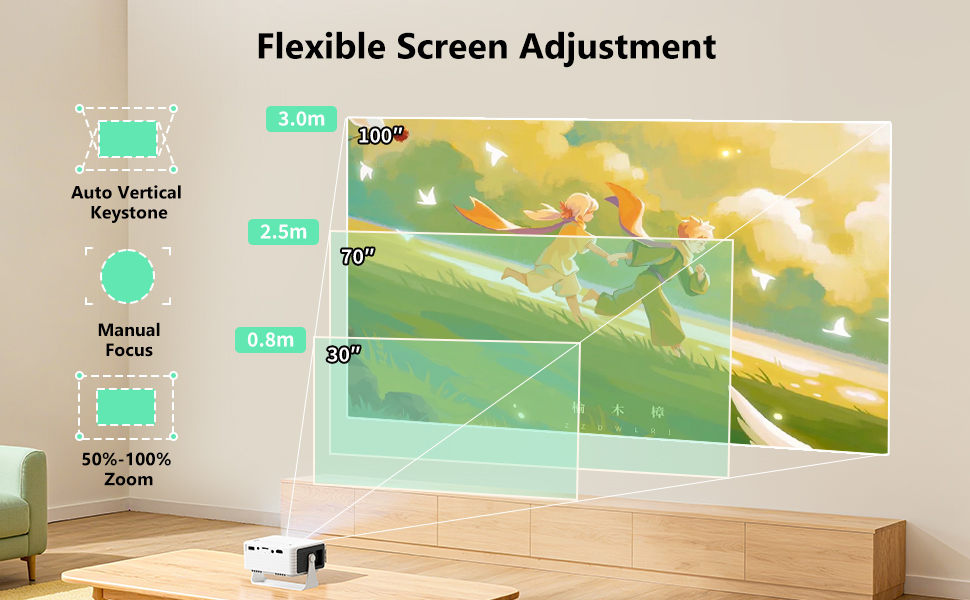
How can I quickly adjust the picture?
- Position the mini projector where required
- Switch mini projector on
- Rotate the black focus wheel
- Until the image becomes sharp
- Should this fail, move the projector forwards or backward
- Rotate the black focus wheel again
- You may project the image diagonally onto the wal
- Adjust the screen size using the zoom function in the settings
Is the image too large?
No worries—the 50% zoom feature helps you adjust it to the right size
Accidentally moved the projector?
Auto Trapezoidal Correction restores the image in one second
Why Choose the Yoton Y3 Mini Projector?
About the Yoton Y3 Mini Projector
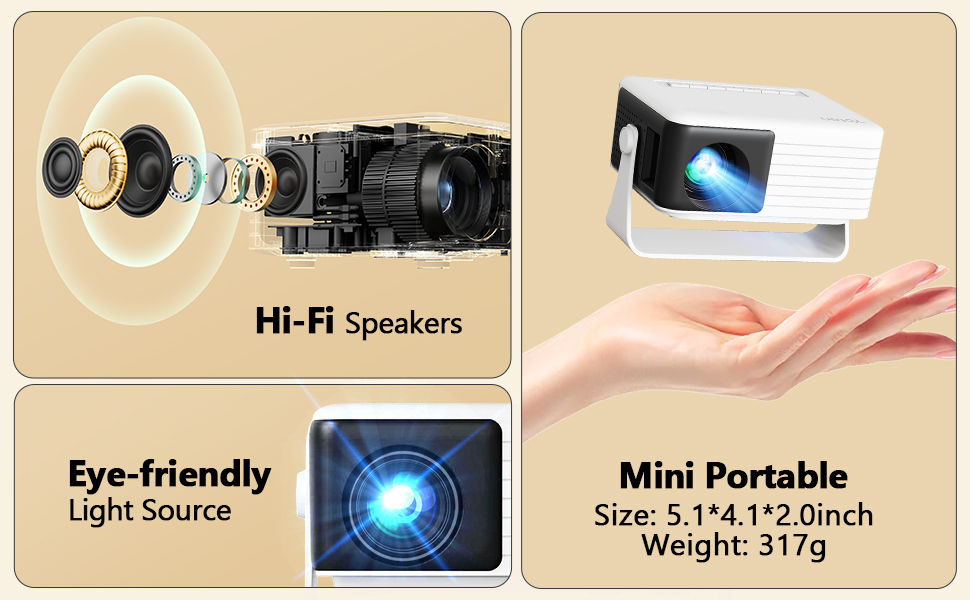
- Similar in size to the iPhone 17 Pro
- Projection Distance: 30" to 100"
- 200 ANSI Lumens Brightness
- 720P Native Resolution
- Low Noise (≤35dB)
- Eye-friendly
What can I get?
- Yoton Y3 Mini Projector
- Power cable
- HDMI cable
- Remote control(No Batteries)
- User manual
- Quick Guide
*Adapter for mobile phone not included

FAQ
- Q1: How to cast Netflix, Hulu, Prime Video?
Due to HDCP copyright restrictions, direct screen mirroring from phones is not supported.
Please use HDMI, TV box, Fire Stick, or Chromecast instead.
- Q2: Why won’t my Lightning/USB‑C cable work?
Only cables with data transfer function can project.
Charging‑only cables will show “Loading” but fail to connect.
- Q3: Why doesn’t my HDMI adapter mirror screen?
Make sure your phone supports HDMI output.
Make sure your adapter is HDMI OUT (not IN).
Incompatible phones: Samsung Flip/A/J/M, Huawei, Xiaomi, Redmi, OnePlus, Google.(Requires an additional wireless adapter for connection)
- Q4: Why can’t the projector read my USB drive?
Supports USB 2.0 (black port) only, max 64GB.

Yoton Y3 Mini
|

Yoton Y4 Android
|

Yoton Y3 Mini Projector 2026 Upgraded Auto Keystone Portable Projector for be...
|
|
|---|---|---|---|
|
|
|||
| Customer Reviews |
5,775
|
1,780
|
5,775
|
| Price | £29.98 | £48.99 | £31.99 |
| Pre-installed Apps | no data | ✓ | no data |
| Image Quality | 720P | 720P | 720P |
| Support | 1080P | 1080P | 1080P |
| Ports | HDMI/USB/TF/3.5mm Audio | HDMI/USB | HDMI/USB/TF/3.5mm Audio |
| Wi-Fi | no data | ✓ | no data |
| Bluetooth | no data | ✓ | no data |
| Size(cm) | 12.2/9.5/8.5 | 15.5/12.2/13.1 | 12.2/9.5/8.5 |
- 【2026 Newly Upgraded 360° Rotation & Auto Keystone Correction】 The Y3 Mini Projector is equipped with a 360° free-rotating stand that breaks all projection angle limits. It can be placed anywhere such as the bedside, living room or balcony for instant projection. The auto keystone correction quickly calibrates the image without manual adjustment. (*For a better projection effect, please contact Yoton official customer service to get a 100-inch projection screen.)
- 【Native 720P Resolution & Eye-Care Light Source】The Y3 Mini Projector features native 720P resolution and a blue-light filtering eye-care light source, designed specifically for comfortable, dimly lit environments. It provides a pleasant viewing experience for bedroom use, movie nights and daily leisure activities.
- 【Ultra-portable Mini Projector】 Weighing only 317g (lighter than a can of drink) and smaller than an iPhone 17 Pro, this compact Y3 projector fits easily in your bag. Take it anywhere—from cosy movie nights in the bedroom to camping trips, garden parties or travel stays.
- 【Easy Wired Connection for iPhone & iPad】 Connect a compatible iPhone or iPad using a Lightning/USB-C data(not included) cable for screen mirroring. Charging-only cables are not supported. (*Due to HDCP restrictions, Netflix, Prime Video and some streaming apps cannot be mirrored directly from a phone. For streaming services, connect a TV stick or laptop via HDMI.)
- 【Wide Device Compatibility】Equipped with HDMI, USB and TF ports, the Y3 Mini Projector can connect to laptops, mobile phones, PS5, Xbox, Switch and other devices. Android phones require an additional HDMI adapter; Note: Not all Android phones support wired screen mirroring. Please confirm with your device manufacturer whether it is compatible with MHL, and if not, please use an additional wireless adapter.
- 【10 Years of Projector Experience & Reliable Support】With 10 years of experience in projector development, YOTON has continuously improved the Y3 over the past five years, refining its features and usability to deliver a simple and reliable entry-level projector for everyday home entertainment. We also offer a quick reply within 24 hours, a two-year product replacement warranty, and a lifetime after-sales service.
| Brand | YOTON |
| Recommended uses for product | Home Cinema |
| Special feature | Built-In Speaker, Portable, mini |
| Connectivity technology | HDMI, USB |
| Display resolution | 1280 x 720 |
| Display resolution maximum | 1920 x 1080 |
| Display type | LCD |
| Product dimensions | 12.2L x 9.5W x 8.5H centimetres |
| Form factor | |
| Mounting type | Floor Mount |