Skip to product information
1 of 12

R & E Tinkerbells Little Boutique

Wireless CarPlay for Apple iPhone - Easy Plug Play CarPlay Dongle Convert Factory Wired CarPlay to Wireless Connection, Car Stereos

Wireless CarPlay for Apple iPhone - Easy Plug Play CarPlay Dongle Convert Factory Wired CarPlay to Wireless Connection, Car Stereos

Regular price £41.58 GBP
Regular price £25.99 GBP Sale price £41.58 GBP
Sale Sold out
Shipping calculated at checkout.
Colour Name
Car dashboard with large touchscreen display showing app icons and navigation interface. Steering wheel and gear shift visible in foreground.
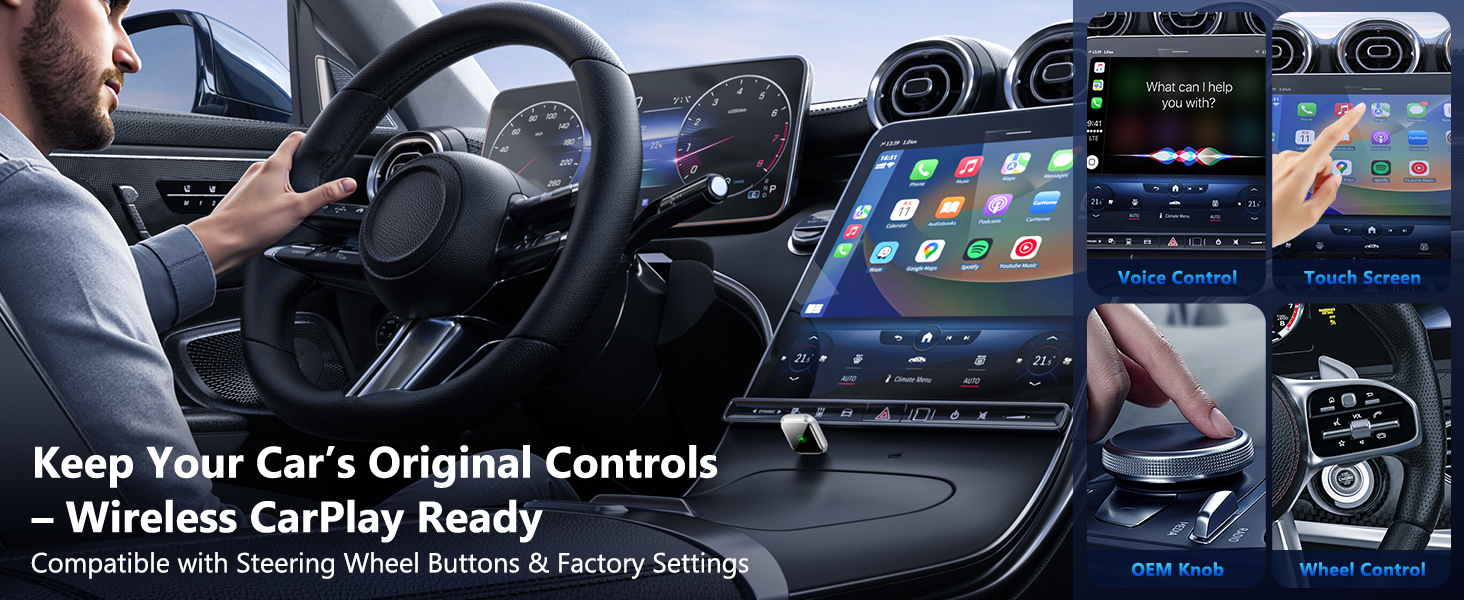
Modern car interior featuring steering wheel controls and large touchscreen dashboard display. Shows wireless CarPlay compatibility and integration with original vehicle controls.
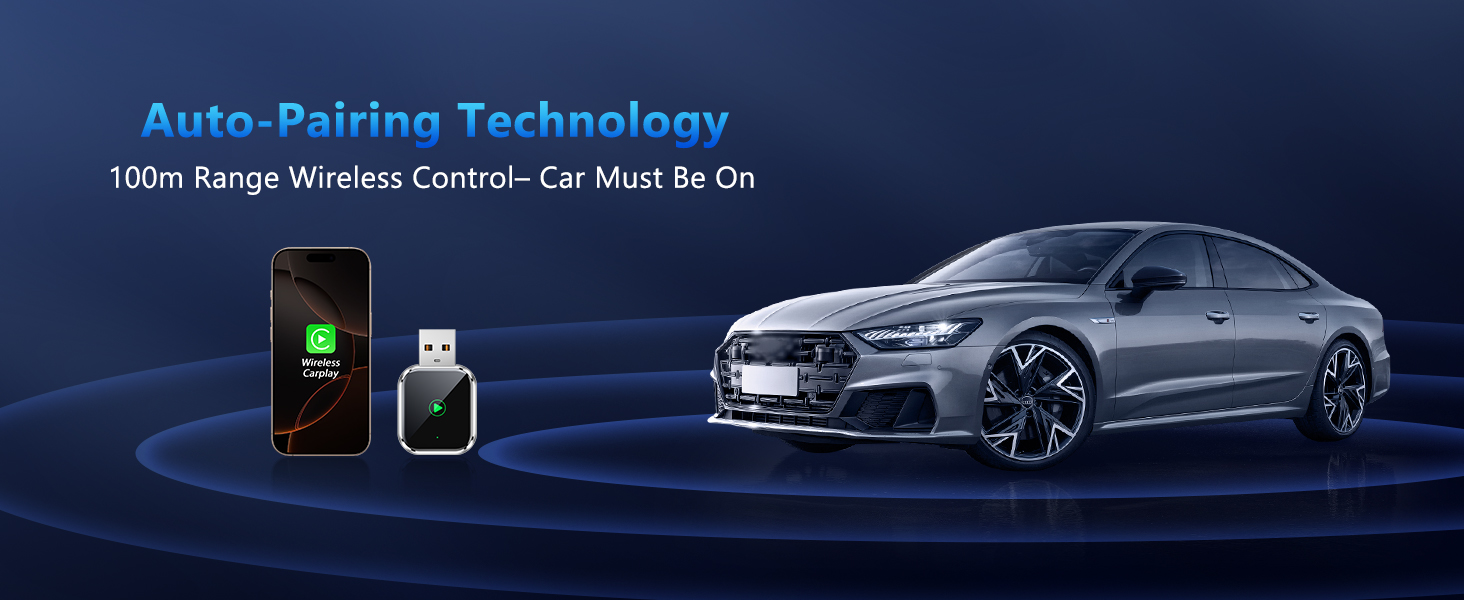
Wireless car control device with 100m range, shown next to smartphone and luxury sedan. Features auto-pairing technology for remote operation when car is on.
Packing list on black textured surface showing USB cables, charging adapter, and user manual. Green LED light visible on one cable connector.
Model Number B11
Connector Type USB Type-C / USB Type A
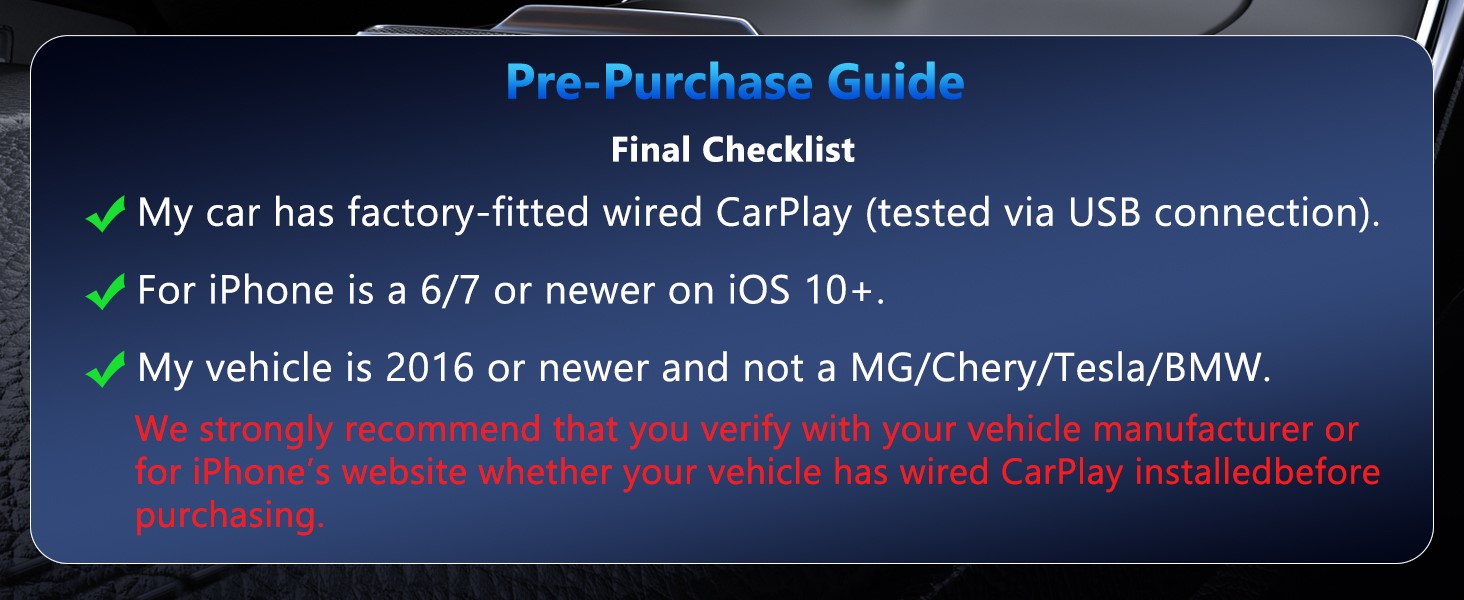
Compatible iPhone Models For iPhone 6 or newer models running iOS 10 or later
Compatible Android Models Not compatible with Android phones
Compatible Car Models Compatible with most vehicles equipped with OEM wired CarPlay
Important Reminder 1 The function of this product is to convert wired CarPlay to wireless CarPlay. Vehicles not equipped with original wired CarPlay cannot enable CarPlay
Important Reminder 2 Before purchasing: Test wired CarPlay functionality with an original Lightning cable; confirm compatibility via your vehicle manufacturer, manual, or for iPhone Support
Important Reminder 3 If you have connected to the original car Bluetooth Or other Bluetooth devices, please disconnect them before connecting to the dongle
Q1: My wireless CarPlay adapter frequently disconnects or stops working. How can I resolve this?
A: Try upgrading the firmware: connect the device to power → connect your phone’s Wi-Fi to the adapter (password: 88888888) → enter IP address 192.168.1.101 in a browser → click "Update" → restart the device after completion. Also, check for loose USB connections and ensure only the adapter is paired in your iPhone’s Bluetooth settings
Q2: What should I do if pairing fails or the screen turns black?
A: First, test if wired CarPlay works normally → restart your iPhone → remove old pairing records in settings → manually re-pair the adapter
Q3: Can the CarPlay Wireless adapter connect to multiple phones simultaneously?
A: It can pair with multiple iPhones, but only one device can be connected at a time. By default, it automatically reconnects to the last-used device.
Q4: Is slight heat from the adapter normal? Will prolonged use damage the car system?
A: Mild heat is normal. If overheating occurs, check if the USB port provides stable voltage. The product is safety-certified and will not harm your vehicle’s system
  • INSTANT WIRELESS FREEDOM - Transform your factory wired CarPlay into wireless in seconds. Simply plug into your car’s USB port and enjoy automatic iPhone connection every time you start your car - no more fumbling with cables
  • UNIVERSAL COMPATIBILITY - Works with all iPhone models (6 and newer) and 95% of factory CarPlay-equipped vehicles from 2016+. Compatible with Mercedes, Audi, Ford, Toyota, Honda, and 500+ other car models
  • PLUG & PLAY SIMPLICITY - No apps, no complicated setup, no technical knowledge required. One-time 30-second pairing process, then automatic connection every drive. Keep your original CarPlay experience, just wireless
  • STABLE CONNECTION & FAST RESPONSE - Advanced 5GHz WiFi chip ensures lag-free music streaming, crystal-clear calls, and instant Siri response. Maintains strong connection even during long drives and phone calls
  • COMPACT & RELIABLE DESIGN - Ultra-small dongle stays hidden in your USB port. Built-in smart chip prevents overheating and ensures years of reliable performance. 12-month warranty included for peace of mind
View full details